Busy Bar community app

NYC Subway

Live next-train departures for any station in the system, on the 72×16 LED matrix of a BUSY Bar.

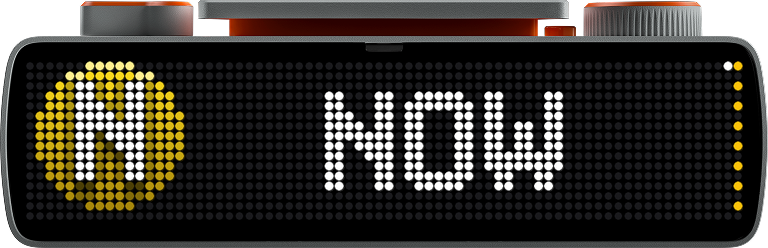
NYC Subway app running on a BUSY Bar: an N route bullet, NOW, then a yellow departure flash
Generated route bullets for every NYC subway line: 1-7, A-Z, shuttles, SIR
Every line, generated at startup in official MTA colors.

Pick a station. That's it.

Station, direction, lines. The app does the rest, straight from the MTA's realtime feeds. No API key, no account.

The whole system

1–7, A–Z, the shuttles, the Staten Island Railway. A 496-station directory is baked in; multi-line stations like Canal St just work.

Real MTA bullets

Route bullets and departure animations are generated for exactly the routes your station serves, then uploaded to the device once. White letters sit on the firmware's baked drop shadow, and rush-hour expresses (<6> <7> <F>) get their diamonds.

Departures at 60 fps

When a train leaves, a compiled .anim sweeps the line's color across the display, played by the device itself. Smooth over USB, Wi‑Fi, or cloud.

Polite by default

Shows when the Bar's switch is on OFF and yields to everything else. The dial scrolls upcoming trains; each position dot takes its train's line color.

Yellow N bullet with NOW on the BUSY Bar
Next train, minute-accurate
Yellow N departure flash on the BUSY Bar
White letters over the firmware's own drop shadow
Blue A departure flash on the BUSY Bar
Generated for every other line

When service breaks

Suspensions, planned work, delays, held trains. Read live from the MTA's alert and vehicle feeds, drawn in the Bar's own screen language.


The departure card with an amber corner dot, then an amber flash sweeps in a red ALERT page where the real MTA headline scrolls
Delays. An amber dot on the card, then the real headline sweeps in.
Red page reading DELAYED, with how long the train has been held scrolling beneath
Held train. How long, and where it is stuck.
Deep red page with the route bullet, NO TRAINS, and the suspension notice scrolling beneath
Suspended. The route and the reason take the screen.
Yellow page with hazard stripe edges, PLANNED, and the work notice scrolling beneath
Planned work. Hazard stripes and the notice.
Blue page reading REROUTED with the track change detail scrolling beneath
Track change. Said plainly, in blue.

Configured in seconds

Environment variables, or CLI flags. In busybar-manager, make each station a variation and switch from the dashboard.

# finds the Bar over USB, Wi-Fi, or cloud
pip install requests websockets
STATION="Bedford Av" DIRECTION=downtown python app.py
VarMeaning
STATIONStation name, fuzzily matched
DIRECTIONN / S / uptown / downtown, or a label like Brooklyn
ROUTESOptional filter like N,Q
STOPSExact GTFS platform ids, for full control
BUSYBAR_PRIORITY1 shows only when the Bar is OFF, 30+ shows over the clock

Manager setup and the full reference live in the README.

Two silver New York City subway cars signed for the 7 Flushing Local

MIT-licensed community project. Transit data provided by MTA New York City Transit; the MTA logo and route symbols are MTA trademarks, used here to identify the service the app displays. Device art via the busybar-apps gallery (MIT). Not affiliated with the MTA or Flipper FZCO.

Busy Bar community app

CATA Bus

Live CATA bus departures for State College & Penn State — the campus-bound V and VE at Vairo Blvd out of the box — on a BUSY Bar.

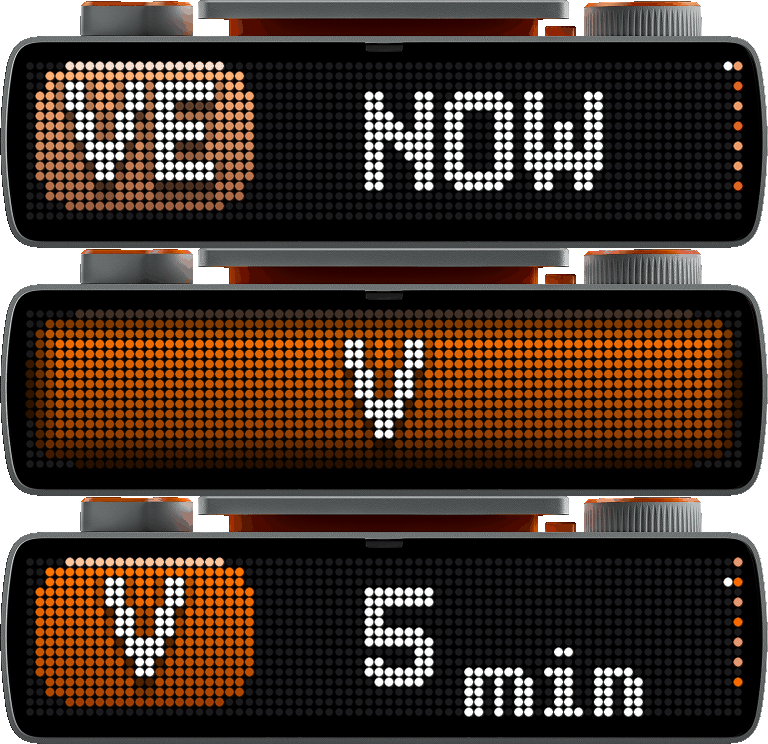
CATA Bus app running on a BUSY Bar: a VE route plate with NOW, an orange V departure flash, then the next V in 5 minutes
Generated route plates for the V, VE and NV CATA routes
Route plates in CATA's colors — two-letter routes included.

It knows the timetable.

Avail's realtime predictions merged with the semester's GTFS schedule by trip identity — so the board is honest about late buses, last buses, and Sundays. No API key, no account.

Vairo by default, any stop by env

Out of the box it watches the campus-bound V and VE at the Vairo Blvd/Oakwood corner and Vairo Village. --list-stops finds any other stop id in the system.

Realtime + schedule, merged

Live predictions cover the next ~90 minutes; the static timetable pads the rest, so a 32-minute headway still fills all eight position dots. Scheduled entries hand off to realtime the moment a trip is dispatched — same trip, same identity.

Knows when service ends

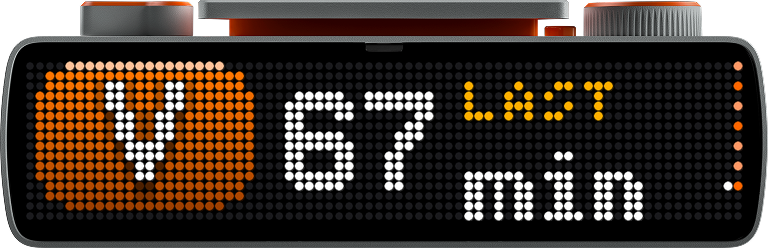
The day's final departure carries a LAST tag. After it leaves, a calm plate shows the next scheduled bus (“NEXT BUS V MONDAY 6:41A”) instead of a blank screen.

Sundays covered

V and VE rest on Sundays — the board automatically falls back to the NV loop at the Vairo Village stops, which runs to 11:54 pm.

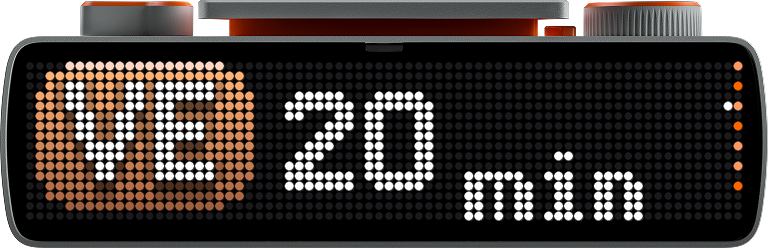
VE route plate with 20 min on the BUSY Bar
Two-letter route plates from the Bar's own fonts
Orange V departure flash on the BUSY Bar
Departure flash in CATA orange, 60 fps on-device
V route plate with 68 min and an amber LAST tag
The last bus of the day says so

When service breaks

Detours, construction closures, late and held buses — read from CATA's alert and vehicle feeds (plus InfoPoint's explicit detour flags), drawn in the Bar's own screen language.

Red page reading DELAYED with RUNNING 6 MIN LATE beneath
Late bus. The shown bus is running six minutes behind — the plate says exactly that.
Blue page reading DETOUR with the reroute detail beneath
Detour. InfoPoint's detour flag, said plainly in blue.
Deep red page with the V route plate, NO BUSES, and the suspension notice beneath
Suspended. The route and the reason take the screen.
Yellow page with hazard stripe edges, PLANNED, and the notice beneath
Planned work. Hazard stripes and the notice.
Calm slate-blue page reading NO BUSES with NEXT BUS V TOMORROW 6:41A beneath
After hours. Service ending on schedule isn't an emergency — a calm blue, and when the first bus comes back.

Configured in seconds

Environment variables, or CLI flags. Works with busybar-manager as a library app; --preview renders every screen to PNGs with no hardware at all.

# finds the Bar over USB, Wi-Fi, or cloud
pip install requests websockets
ROUTES=V,VE STOPS=504,506 DIRECTION=campus python app.py
VarMeaning
ROUTESRoute short names, default V,VE
STOPSGTFS stop ids, default 504,506 (Vairo/Oakwood + Vairo Village)
DIRECTIONcampus or outbound
FALLBACK_ROUTESNo-service fallback, default NV at 503,507; off disables
BUSYBAR_PRIORITY1 shows only when the Bar is OFF, 30+ shows over the clock

The full reference lives in the README.

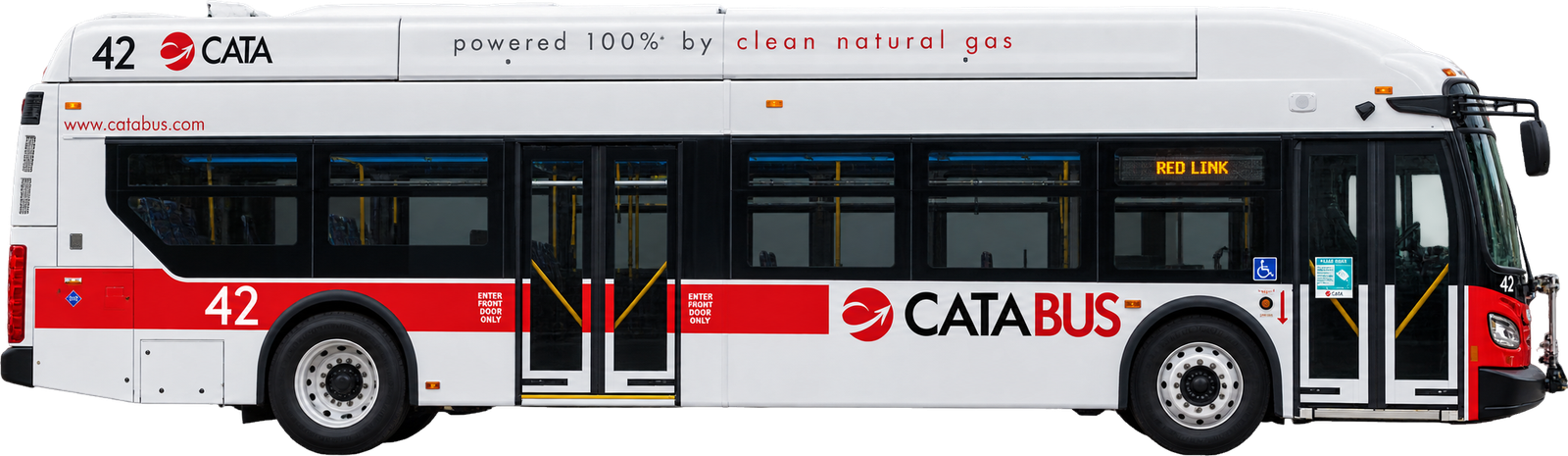
A CATA bus in the white and red CATABUS livery, powered 100% by clean natural gas